
Why does the user experience of NetEase Cloud Music change after going abroad?
Many users have had similar experiences:
When in China:
● Saved a large number of favorite songs;
● Created multiple private playlists;
● Opened NetEase Cloud Music during every commute.
But after arriving overseas:
After opening the App, you find:
● Some songs cannot be played normally;
● Playlist loading speed becomes slower;
● Music switching requires waiting;
● Comment loading is unstable.
For overseas Chinese and international students, music is not only a form of entertainment but also a familiar lifestyle habit.
For example:
Students listening to Chinese songs on the way to class;
Working professionals playing saved playlists during their commute;
Relaxing with music on weekends.
Therefore, a stable music experience is very important for many overseas users.
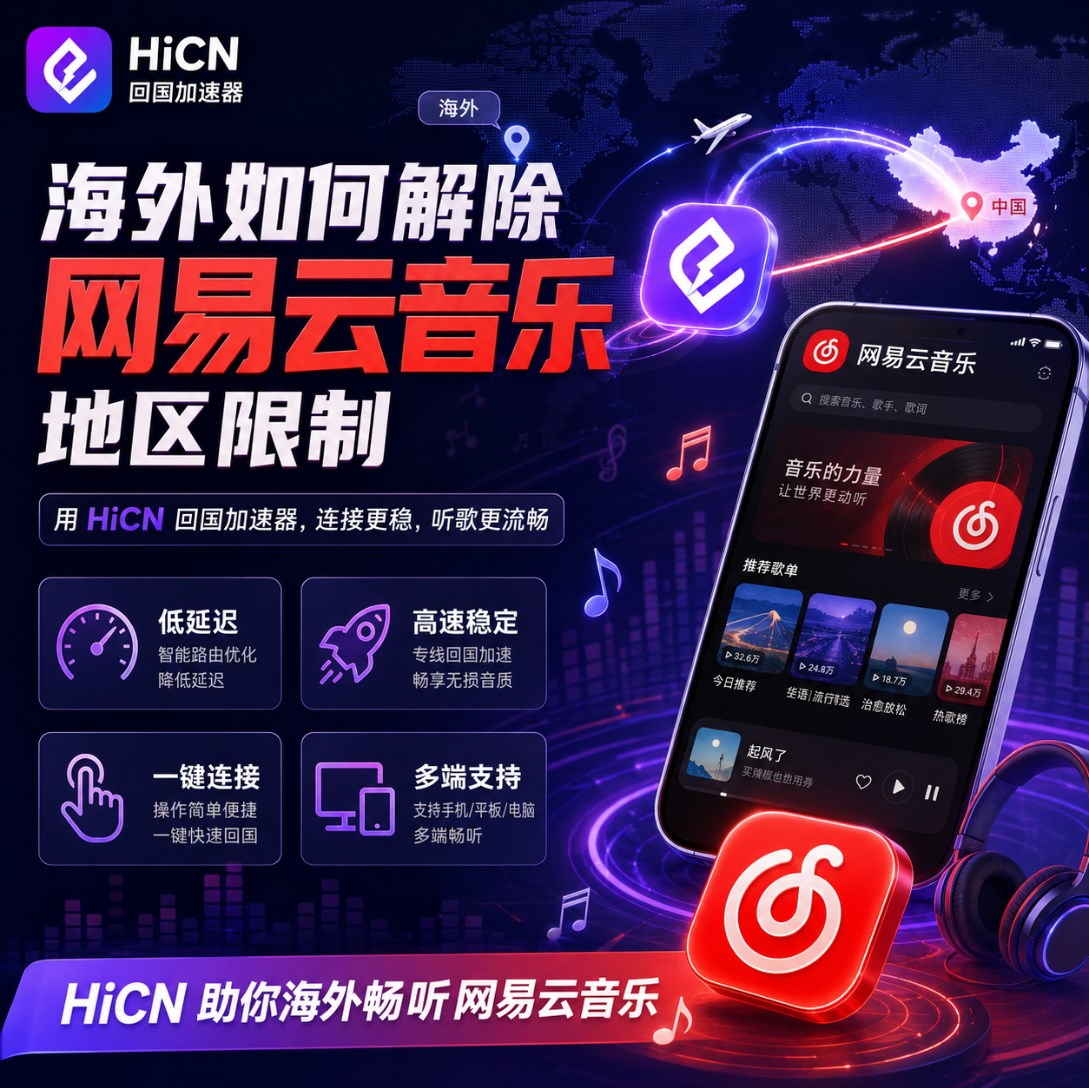
What are the common problems when using NetEase Cloud Music overseas?
The problems encountered by different users are not exactly the same.
They can be simply divided into the following categories:
Problem Manifestation | Potential Experience |
Songs cannot play | No response when clicking songs |
Slow playlist loading | Long page waiting time |
Playback interruption | Music buffering |
Slow comment loading | Incomplete page refresh |
Degraded HD audio quality | Insufficient playback stability |
Mobile connection anomalies | Mobile network fluctuations |
Many users' first reaction is:
"Is my phone or the App broken?"
In fact, the device is only one of the influencing factors.
Why is it easy to have problems listening to NetEase Cloud Music overseas?
Many overseas users will find:
Foreign websites are accessed normally;
Video platforms can also be opened;
But the experience of domestic music applications is different.
The reason is:
Different applications connect to different network environments.
For example:
Accessing overseas services:
Overseas device → Local network → Overseas server
Using domestic music:
Overseas device → Cross-regional network connection → Domestic service
The connection process is more complex.
Factors affecting the experience include:
Factor | Impact Content |
Location | Distance affects response speed |
Network route | Affects stability |
Peak hours | Possible fluctuations in the evening |
Wi-Fi environment | Affects continuous playback |
Background applications | Occupies network resources |
Device status | Affects App operation |
Therefore, when using domestic music applications overseas, you cannot just look at the broadband speed.
What checks can be done first for NetEase Cloud Music problems overseas?
Before choosing a network optimization solution, you can try basic troubleshooting first.
1. Check the local network environment
Confirm:
● Whether Wi-Fi is stable;
● Whether there are a large number of download tasks;
● Whether multiple devices are occupying the network at the same time.
For example:
Computer file synchronization;
TV playing HD video;
Mobile background updates.
All will affect the music playback experience.
2. Update the NetEase Cloud Music version
Not updating the App for a long time may cause:
● Cache anomalies;
● Loading problems;
● Unstable function operation.
It is recommended to keep:
● App version normal;
● Mobile system normal;
● Clear cache regularly.
3. Test by changing the network environment
You can try:
● Wi-Fi;
● Mobile network;
● Other network environments.
If the performance difference between different networks is obvious, it means the problem may come from the current network connection.
Why do overseas users choose return-to-China accelerators?
For many overseas users, network needs are not just about listening to music.
Daily needs also include:
● Watching domestic videos;
● Playing domestic server games;
● Using domestic applications;
● Keeping in touch with friends in China.
Therefore, solving the problem of a single application does not necessarily meet long-term needs.
Return-to-China accelerators mainly improve the network path for overseas devices connecting to domestic services, improving:
● Music loading;
● Video playback;
● Game connection;
● Domestic application access experience.
Simple understanding:
Normal connection:
Overseas device → Normal network route → Domestic service
Optimized connection:
Overseas device → Optimized route → Domestic service
HiCN return-to-China accelerator: A comprehensive network optimization solution for overseas users
HiCN return-to-China accelerator is mainly suitable for:
● Overseas Chinese;
● International students;
● Overseas working professionals;
● Domestic server gamers.
Supports multiple usage scenarios:
Music scenario
For example:
● NetEase Cloud Music;
● Domestic music applications.
Video/Audio scenario
For example:
● Domestic video platforms;
● Binge-watching dramas and watching shows.
Game scenario
For example:
● Honor of Kings;
● Genshin Impact (CN server);
● Other domestic server games.
Compared with methods targeting only a single application, a comprehensive solution is more in line with the daily needs of overseas users.
What devices does HiCN support?
Overseas users usually use a wide variety of devices:
● Mobile phones;
● Computers;
● Tablets;
● Home network devices.
HiCN supports:
Platform | Usage scenario |
Windows | Computer music, games, video/audio |
iOS | iPhone, iPad |
Android | Mobile phones, tablets |
Router | Home multi-device |
For example:
International student scenario
Daytime:
Computer study.
Evening:
Mobile phone listening to music, playing games.
Overseas home scenario
TV:
Watching domestic shows.
Mobile phone:
Daily entertainment.
The router solution can satisfy multiple devices using it at the same time.
Steps to optimize NetEase Cloud Music experience using HiCN
For ordinary users, the operation process is relatively simple.
Step 1: Install the HiCN client
Choose according to the device:
● Windows;
● iOS;
● Android.
Step 2: Log in to your account
Complete basic settings.
Step 3: Turn on return-to-China acceleration
Connect after selecting a suitable route.
Step 4: Reopen NetEase Cloud Music
Refresh:
● Playlists;
● Music lists;
● Playback page.
If there are still anomalies, you can try:
● Change the route;
● Restart the App;
● Check the local network.
Besides NetEase Cloud Music, what other needs can overseas users solve?
Many overseas users use network optimization solutions not just for listening to music.
Actual life also includes:
Scenario | Need |
Music | Listen to Chinese songs |
Video | Watch domestic shows |
Game | Play domestic mobile games |
Study | View domestic courses |
Entertainment | Use domestic applications |
HiCN return-to-China accelerator covers multiple scenarios, making it more suitable for users living overseas long-term.
How to judge the effect of network optimization?
Don't just test the opening speed once.
It is recommended to experience it according to real usage habits:
Test item | Observation content |
Open App | Loading speed |
Play songs | Whether stable |
Switch playlists | Response speed |
Long-term playback | Whether continuous |
Mobile use | Mobile experience |
Computer use | Multi-device performance |
Real-scenario testing is more valuable than just looking at parameters.
HiCN new user 3-7 day free trial experience suggestion
HiCN new users support a 3 to 7-day free trial.
Overseas users can use the trial time to test:
Day 1
Experience NetEase Cloud Music playback.
Day 2
Test at different times.
Day 3
Experience domestic video/audio applications.
Follow-up
Test:
● Windows;
● iOS;
● Android;
● Router.
Judge whether it is suitable for long-term use through real usage situations.
What should be paid attention to when choosing a return-to-China accelerator overseas?
When choosing a solution, you can focus on:
Focus direction | Description |
Stability | Whether suitable for long-term use |
Device support | Whether it covers common devices |
Scope of use | Whether it supports multiple scenarios |
Operation experience | Whether simple and convenient |
Trial service | Whether it is convenient to test |
Multi-device capability | Whether it meets family needs |
For overseas users:
Stability, simplicity, and suitability for daily use are more important than complex settings.
FAQ
Q: Why do playback anomalies occur with NetEase Cloud Music overseas?
It is usually related to the network environment, connection quality, and device status, and needs to be checked in combination with the actual situation.
Q: Can HiCN only be used for NetEase Cloud Music?
No.
Overseas users can also use it for:
● Domestic video/audio;
● Domestic server games;
● Other domestic applications.
Q: Does it support simultaneous use on mobile phones and computers?
HiCN supports Windows, iOS, Android, and routers. The specific device usage method is configured according to the package instructions.
Q: Which overseas users is it suitable for?
Suitable for:
● International students;
● Overseas Chinese;
● Users who frequently use domestic content;
● Domestic server gamers.
Summary: Listening to NetEase Cloud Music overseas, choosing a stable network solution is more important
The occurrence of song playback anomalies, slow loading, etc., when using NetEase Cloud Music overseas is usually not caused by a single reason, but is affected by the network environment, device status, and connection quality.
For overseas Chinese and international students, you can first optimize the local network environment, and then choose a return-to-China acceleration scheme that suits you.
HiCN return-to-China accelerator supports Windows, iOS, Android, and routers. It is not only suitable for listening to music overseas, but also for binge-watching dramas, watching domestic content, and playing domestic server games.
New users support a 3 to 7-day free trial. Enter the code 1124 to get free HiCN membership acceleration time.