
If you are living overseas but are still used to using NetEase Cloud Music to listen to Chinese songs, browse daily recommendations, read comments, and save playlists, you have likely encountered these situations: the song is clearly found but won't play; the homepage loads, but the playlist keeps spinning; it barely plays on your phone, but starts throwing errors when you switch to your computer; it works fine during the day, but suddenly becomes laggy at night.
Many people initially interpret these issues as "occasional glitches," but once this happens a few times in a row, you will realize it is no coincidence. Accessing domestic music platforms from abroad inherently involves an extra layer of cross-border network transmission compared to being in China. As long as the routing is circuitous, the nodes are unstable, or the exit environment is not well-adapted, the playback, loading, comment synchronization, and MV opening speeds of NetEase Cloud Music will be affected.
Therefore, this article will not follow the common guide format of "explaining a bunch of concepts first, then giving a vague suggestion," but will instead directly answer a more practical question:How to unblock regional restrictions for NetEase Cloud Music while overseas and use it stably for the long term on phones, computers, and even home routers?
If you only want to see the conclusion first, remember one sentence:For listening to a few songs temporarily, a standard proxy might suffice; for long-term stable use of NetEase Cloud Music, a return-to-China accelerator is more worry-free.
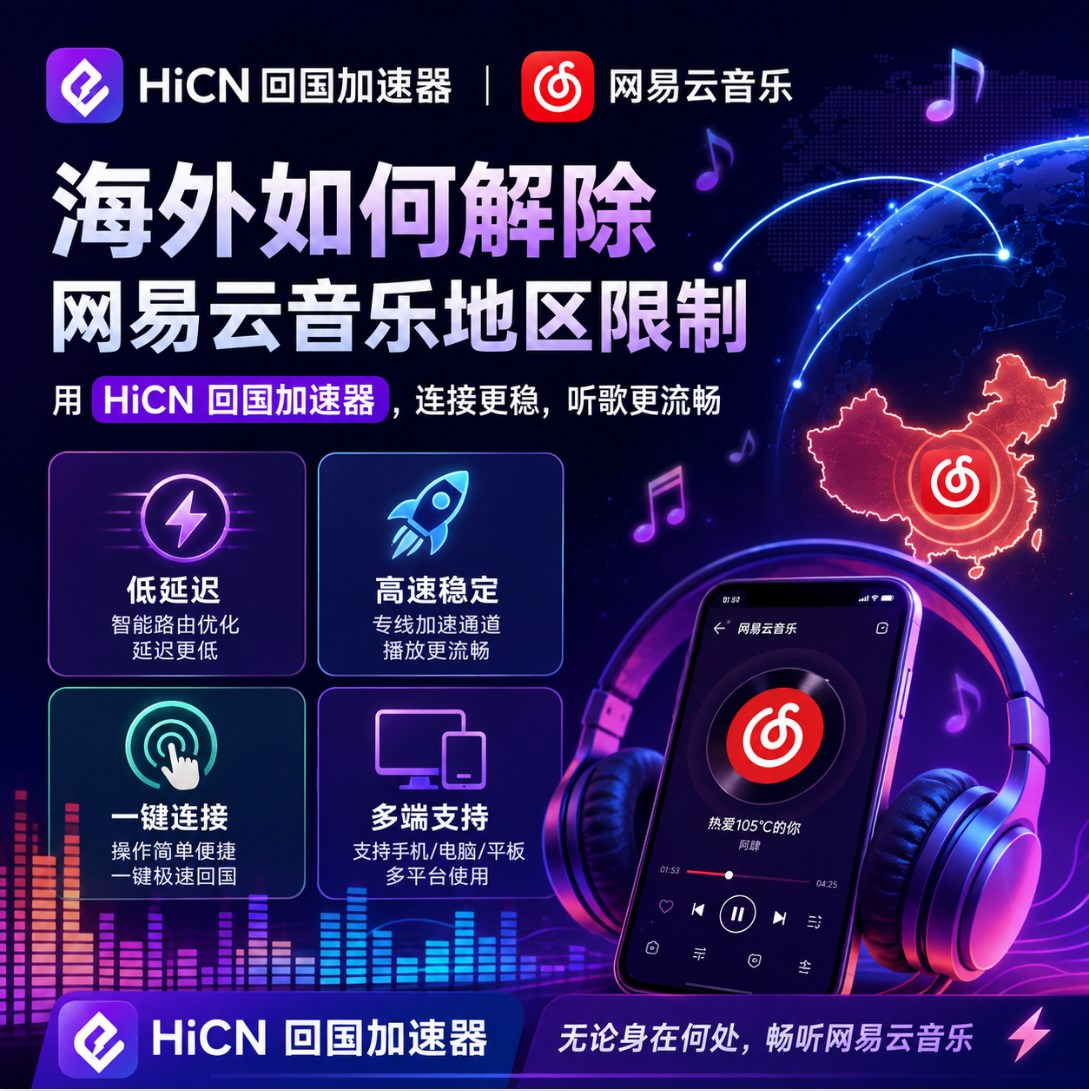
1. Why is the experience of using NetEase Cloud Music overseas always inconsistent?
Many users wonder: why is NetEase Cloud Music unstable even when my internet is not disconnected? In fact, the problem is usually not about "having internet," but about "whether this connection is suitable for returning to domestic platforms."
To put it more bluntly, there are three main areas that affect the experience when accessing NetEase Cloud Music from overseas:
1. The access path is too long, causing it to lag before the song even plays
When you open NetEase Cloud Music in North America, Europe, or Australia, the request is not completed locally but must be routed back to domestic servers. Once the path is long, loading becomes slow. Especially during peak evening hours, features that require higher connection quality—such as playlists, comment sections, MVs, and switching to lossless audio—will be the first to encounter issues.
2. Just because a standard node can connect doesn't mean it's suitable for long-term listening
Many users will first try general VPNs, shared nodes, or browser proxies. It might seem usable for a short time, but problems will emerge when you actually start listening to music:
● One song plays, but the next one might not;
● It works temporarily on your phone, but won't open on your computer;
● It works during the day, but starts buffering frequently during peak hours at night;
● Additional features like comment sections, MVs, and radio stations perform inconsistently.
The reason is simple:Being able to connect does not mean it is suitable for long-term access to domestic audio and video platforms.
3. Overseas users often don't just use NetEase Cloud Music on one device
In real-world usage, very few people listen to music on only a single device. It is more common to:
● Listen on an iPhone or Android phone during the commute;
● Switch to a Windows computer to continue playing when getting home;
● Some people also want their tablets, TV boxes, or even home routers to use the return-to-China route.
At this point, single-point tools become very troublesome. With more devices and more switching, stability issues are magnified significantly.
2. What are the differences between common solutions for unblocking NetEase Cloud Music overseas?
If we break down the mainstream approaches, they can be roughly divided into three categories: general proxies, single-purpose tools, and return-to-China accelerators. It's not that they can't be used, but the target audience for each is completely different.
Option 1: General VPN / Temporary Proxy
These solutions are the easiest to access because they are fast to download and easy to start with, and free nodes are often shared. Their advantage is low cost and convenience for temporary testing; the disadvantage is that for domestic platforms like NetEase Cloud Music, the stability is not ideal.
To be more realistic, a general proxy is more about "seeing if you can get lucky and use it" rather than "can I use it stably for the long term." If you only want to listen to a song or two occasionally, it might suffice; but if you open NetEase Cloud Music every day, it will quickly reveal problems like frequent disconnections, slow loading, and inconsistent experiences.
Option 2: Single-purpose Unblocking Tools
There is another category of users who look for desktop tools or use local proxy methods to get NetEase Cloud Music running. This approach is attractive to those willing to tinker, as they can configure it themselves and try different schemes.
But its problems are also quite obvious:
● It leans more towards computers and is not suitable for phones and tablets;
● The setup barrier is high and not suitable for average users;
● It can only solve local problems and cannot guarantee the stability of the entire link;
● It is prone to fragmentation, requiring reconfiguration when switching devices.
If you just want to "get the music playing quickly," you can try this method; if you are thinking "I don't want to deal with this anymore in the future," it is usually not the final solution.
Option 3: Professional Return-to-China Accelerator
What is truly more suitable for long-term use by overseas Chinese users is usually a professional return-to-China accelerator. The biggest difference between it and a general proxy is not the name, but the goal—the former is specifically optimized for "accessing domestic applications from overseas."
In the context of NetEase Cloud Music, the advantages of a return-to-China accelerator are more direct:
● The routing is closer to domestic platform access scenarios;
● It is usually more stable during peak evening hours;
● Switching between phones, computers, and tablets is smoother;
● It is easier to maintain a complete experience for not just music playback, but also comment sections, MVs, and radio stations.
If you are an international student, an overseas Chinese, or a user working abroad for a long time, this type of solution is often more suitable as your primary daily tool.
3. Why do many overseas users choose the HiCN return-to-China accelerator?
When it comes to return-to-China accelerators, what many people care about is not "how many features it claims to have," but "how much trouble it saves me after I install it." This is also why HiCN is more easily chosen by overseas users as a long-term solution.
1. More complete device support, no need to redo settings when switching scenarios
HiCN supports:
● Windows
● iOS
● Android
● Routers
This is very important. Because overseas users often do not use NetEase Cloud Music on just one device. Using a phone during the day, a computer at night, sharing the network among multiple people at home, or even wanting TV boxes and tablets to use the return-to-China route—these are not things a single tool can easily cover.
If you have many devices at home, the router solution is particularly convenient. Once configured, all devices connected to the home Wi-Fi can directly use the return-to-China route without needing to install or turn it on separately for each device.
2. More friendly to overseas music listening scenarios
HiCN itself is built for overseas-to-China network acceleration, so what it faces is not "accessing a domestic webpage occasionally," but scenarios closer to daily use: continuous music listening, video browsing, watching live streams, playing games, and switching devices.
For NetEase Cloud Music users, the more practical benefits are:
● More consistent playback;
● Faster playlist loading;
● More stable comment sections, MVs, and audio quality switching;
● Less likely to experience sudden drops in performance during peak evening hours.
3. Low barrier for new user trials, more suitable for testing before deciding
According to HiCN's current public information,new users are supported with a 3-7 day free trial. This is more practical than "ordering based on descriptions," because the most reliable way to know if a return-to-China route is suitable for your region is not to listen to what others say, but to test it yourself in a real scenario.
It is recommended that you don't just test for 5 minutes, but focus on these things:
● Whether you can listen normally during peak hours at night;
● Whether switching between your phone and Windows computer is smooth;
● Whether features like comment sections, MVs, and lossless audio are stable;
● Whether performance drops significantly when multiple people are online at home.
4. How to use HiCN to unblock NetEase Cloud Music regional restrictions?
If you want to get started directly, the process is actually not complicated. Below is the most common usage path.
Step 1: Register and claim the trial
First, register an account on the HiCN official website. New users can take advantage of the trial first; there is no rush to subscribe immediately. Testing your local network environment first and then deciding whether to use it for the long term is safer.
Step 2: Download the client according to your device
Choose the corresponding version based on your device:
● Windows users install the desktop client;
● iPhone / iPad users download the iOS version;
● Android users install the Android client;
● If you want to use it for all devices in the house, you can directly configure the router version.
Step 3: Connect to the return-to-China route
After logging in, select the relevant Mainland China nodes and connect directly. In most cases, no complex settings are required; you can start using it with one-click connection.
Step 4: Reopen NetEase Cloud Music
After the connection is complete, it is recommended to completely exit NetEase Cloud Music and reopen it. This way, the client will re-establish the access path, which is more stable than simply keeping it refreshing in the background.
Step 5: Check several key points
After connecting, don't just click on one song and finish. It is recommended to test:
● Whether song playback has returned to normal;
● Whether the playlist can be opened smoothly;
● Whether the comment section can load;
● Whether MVs can be opened normally;
● Whether audio quality switching is smooth.
If all these are normal, it basically means the current route is suitable for continued use in your region.
5. Who is more suitable for using a return-to-China accelerator directly instead of continuing to tinker?
If you belong to the following categories, there is actually no need to spend too much time on scattered tools.
1. Overseas students
You likely listen to music on your phone every day, switch to a computer when you get back to the dorm, and might browse Bilibili or play domestic games on weekends. In this scenario, a return-to-China accelerator is more time-saving than a single-purpose tool.
2. Overseas working professionals
You are already tired from work during the day and just want to listen to music stably to relax at night, without wanting to study nodes, scripts, or proxy rules. What these users need most is not "playability," but "less hassle."
3. People with many devices at home
If you are not just using it yourself, but also have tablets, TV boxes, spare phones, or even a family sharing the network, then a solution that supports routers will be much more convenient. Configure it once, and it will be much more worry-free later.
6. Frequently Asked Questions
Q: Which devices does HiCN support?
A: Currently, it supports Windows, iOS, Android, and routers, suitable for single-user multi-device use as well as home network scenarios.
Q: Is the trial period enough to judge if it can be used?
A: Generally, yes. It is recommended to focus the 3-7 day trial on the time slots you use most often, especially during peak evening hours and multi-device switching scenarios, which makes it easier to judge if it is suitable for long-term use.
Q: Why is NetEase Cloud Music still unstable sometimes even after connecting?
A: Common reasons include client cache, node status changes, local network fluctuations, or the current device not fully switching to the new route. Usually, restarting the client, switching nodes, or reconnecting once can resolve the issue.
Q: Who is the router version suitable for?
A: It is suitable for users who have many devices at home and want TV boxes, tablets, phones, and computers to all use the return-to-China route uniformly. For home scenarios, the router solution is usually more convenient than configuring each device separately.
7. How to choose the most suitable one in the end?
If you only listen to a song or two temporarily, trying a general proxy is fine; but if your goal is long-term stable use of NetEase Cloud Music, and you also need to cover phones, Windows computers, iPhones, Androids, and even home routers, then a return-to-China accelerator will be more suitable.
The advantage of HiCN is not "many concepts," but that it is closer to the real usage scenarios of overseas users: complete device coverage, convenient switching, and suitability for long-term daily use of NetEase Cloud Music. For those who are new to return-to-China accelerators, the 3-7 day free trial for new users is enough to test it thoroughly before deciding.
If you are just about to start testing, here is a note at the end:New users can use the code 1124 to claim free membership acceleration time.