
For many Chinese living overseas and international students, iQIYI remains a platform they frequently open to catch up on domestic dramas, variety shows, movies, and other popular content.
However, once you are abroad, the actual user experience can sometimes change significantly.
You might find that the homepage loads normally, but videos open slowly; or you may encounter unstable video quality, frequent buffering during playback, or noticeable lag when watching in the evening.
Such issues do not necessarily mean your device is faulty, nor are they always just a matter of insufficient home broadband speed.
When connecting to domestic video services from overseas, data must travel over a longer network path. If the intermediate route experiences detours, congestion, or fluctuations, the actual playback experience may still be affected even if your local broadband speed test shows high results.
For users who frequently watch dramas, listen to Chinese music, or play domestic server games, it is more effective to start by optimizing the "overall network environment for returning to China."
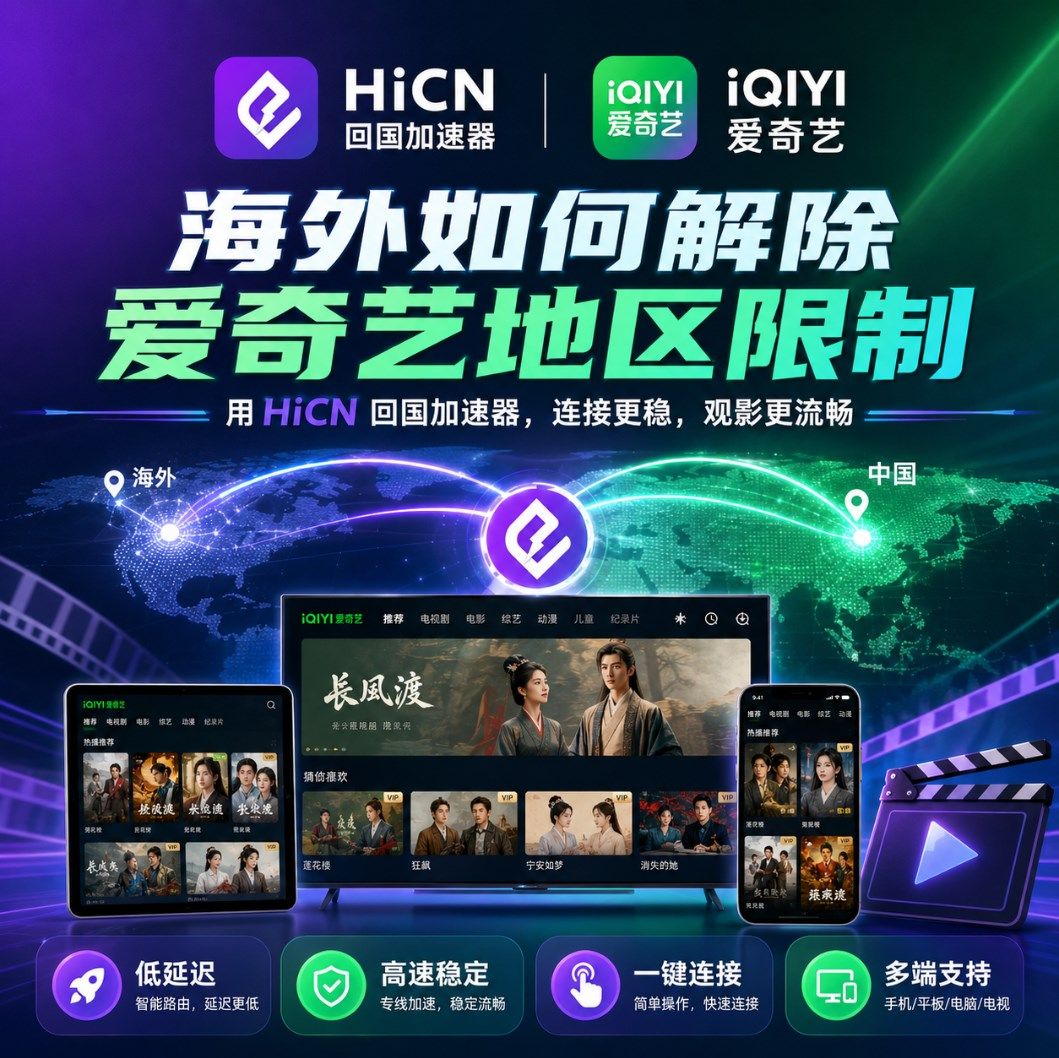
Why is it easier for iQIYI to lag when you are overseas?
When using iQIYI within China, the data transmission distance between the device and domestic network services is usually quite short.
Once you are abroad, the entire network link becomes much longer.
For example, if you are in the United States, Canada, the UK, France, Australia, Japan, Singapore, or other regions, watching domestic videos often requires data to pass through multiple network nodes to complete the transmission.
In this process, as long as there is a fluctuation in any segment of the network, it can affect the final experience.
Common situations include:
● Video opening speed is relatively slow;
● Buffering starts after a few minutes of playback;
● High-definition quality is not stable enough;
● Video quality automatically drops;
● Playback is more prone to lag in the evening than during the day;
● Local overseas websites work fine, but domestic video apps are significantly slower;
● There is a significant difference between mobile data and home Wi-Fi performance.
Therefore, when watching iQIYI overseas, you cannot just look at how many Mbps your broadband plan has.
What truly affects the experience also includes latency, packet loss, network fluctuations, and the quality of the route when connecting to domestic networks.
High broadband speed does not mean watching domestic videos will definitely be smooth.
This is a point that many overseas users easily misunderstand.
For example, even if your home network speed test reaches 500Mbps or even 1Gbps, it does not mean that domestic video platforms will definitely not lag when opened.
It can be simply understood as:
Local broadband determines the network capability between your home and the local ISP, while accessing domestic applications from overseas requires traversing a much longer data transmission path.
If the intermediate route is relatively stable, the playback experience is usually better.
But if the route has congestion, too many nodes, or evening peak fluctuations, then no matter how fast your local broadband is, you may still experience loading and buffering when actually watching videos.
Therefore, when watching iQIYI overseas, what is truly worth optimizing is not just the "network speed," but the entire path connecting to the domestic network.
If you frequently watch domestic content, consider a "return-to-China" accelerator.
If you only experience poor playback occasionally, you can first try restarting your router, switching Wi-Fi frequency bands, or closing background download tasks.
But if you live abroad long-term and frequently use domestic applications, manually troubleshooting every time can be quite troublesome.
At this point, you can consider using a "return-to-China" accelerator specifically optimized for scenarios where overseas users connect to domestic networks.
For example, the HiCN return-to-China accelerator is primarily aimed at overseas Chinese, international students, and long-term residents abroad, improving the transmission experience when connecting to domestic applications through network acceleration.
It can be used not only for video and audio scenarios but also covers daily needs such as music and domestic server games.
Which overseas users is HiCN suitable for?
HiCN is quite suitable for the following types of usage scenarios.
Frequently watching domestic TV dramas and variety shows
If you mainly use domestic video apps like iQIYI and Tencent Video, you can use video-related network optimization scenarios.
The point is not just to increase download speed, but to keep long-term video playback as stable as possible.
Frequently listening to Chinese music
Many overseas users also use domestic music apps to listen to songs in addition to watching dramas.
Although music does not have as high bandwidth requirements as high-definition video, if the network connection is unstable, you may also encounter issues such as slow song loading and long wait times when switching tracks.
HiCN can also cover music listening scenarios.
Frequently playing domestic server games
For international students, watching videos and playing games are often linked together.
Attending classes during the day, watching dramas at night, and playing a few rounds of domestic server games with friends in China on weekends is a very common usage pattern.
Domestic server games value latency and network stability more than videos.
If the route is unstable, you may experience:
● Sudden spikes in latency;
● Inconsistent character movement;
● Slow skill response;
● Unstable team voice chat;
● Ping spikes during gameplay;
● Disconnection at critical moments.
Therefore, if you both watch domestic videos and play domestic server games, choosing a tool that can cover both video and game acceleration will be more convenient.
Which devices does HiCN support?
Overseas users rarely use only one device nowadays.
You might have computers, mobile phones, tablets, and other connected devices at home simultaneously, so whether the platform support is complete is very important.
HiCN supports:
Windows, iOS, Android, and routers.
Windows
Suitable for users who are accustomed to using computers to watch dramas, variety shows, or play domestic server games.
For example, using a laptop in a dormitory or at home to connect to a large screen for watching videos, while also being able to switch to game acceleration scenarios as needed.
iOS
Suitable for iPhone and iPad users.
Whether you are scrolling through videos on your phone or watching dramas on your tablet, you can optimize the network according to your actual needs.
Android
Android phones and tablets can also be used.
It is quite convenient for people who frequently use their phones to watch domestic videos, listen to music, or play domestic mobile games.
Router
If you have a large number of devices at home, you can consider the router usage method.
This solution is more suitable for family users, shared housing users, or long-term overseas residents.
For example, if you have the following at home simultaneously:
● Windows computers;
● iPhones;
● Android phones;
● iPads;
● Other connected devices.
Compared to handling each device individually, using a router in a multi-device scenario is more convenient.
Watching iQIYI overseas, you can optimize your network like this
If you are ready to use HiCN, you can test it according to your actual viewing habits.
Step 1: Choose your most frequently used device
If you mainly use a computer to watch dramas, prioritize using the Windows version.
If you watch videos on your phone or tablet most of the time, you can use the iOS or Android version.
For families with many devices, you can further consider the router solution.
Step 2: Enable video and audio network acceleration
After opening HiCN, choose video-related scenarios according to your usage needs.
After the connection is complete, reopen iQIYI.
If the app has been running for a long time, you can exit it completely and re-enter it before testing playback.
Step 3: Directly play the video content you usually watch
Don't just test whether the homepage can open.
What truly has reference value is directly playing the TV dramas, variety shows, or movies you usually watch.
It is recommended to watch for a continuous period, focusing on observing:
● Whether high-definition quality can be played stably;
● Whether there is frequent buffering in between;
● Whether the video quality drops suddenly;
● Whether playback resumes smoothly after fast-forwarding;
● Whether it remains stable when watching in the evening.
If you usually watch dramas in the evening, it is best to test in the evening.
This is closer to the real daily usage environment.
After enabling network acceleration, you also need to pay attention to your local Wi-Fi
Network acceleration can optimize data transmission when connecting to domestic networks from overseas, but the quality of your home Wi-Fi will also affect the final viewing experience.
Therefore, you can check the following aspects simultaneously.
Do not place the router too far away
If there are multiple walls between your phone or computer and the router, the wireless signal will attenuate significantly.
At this time, video lag may not necessarily come entirely from the external line; the local Wi-Fi itself may also be the cause.
Prioritize testing 5GHz Wi-Fi
If your router supports both 2.4GHz and 5GHz, you can test them separately.
When you are relatively close to the router, 5GHz is usually more suitable for high-definition video playback.
Especially in apartments, dormitories, and shared housing, where there are many surrounding wireless devices, network interference will be more obvious.
Pause large downloads when watching videos
Computer background game updates, cloud drive synchronization, and mobile phone downloads of large files can all consume a lot of network resources.
If you are watching high-definition videos, you can temporarily pause these tasks.
Test during multiple time periods
Network status changes over time.
Being smooth during the day does not mean it will be the same during the evening peak.
It is recommended to choose different time periods during the new user trial period, as this makes it easier to judge the actual usage effect.
Why are multi-scenario tools more suitable for international students?
Domestic network needs in overseas life are often not singular.
Many people's actual usage habits might be:
Using a computer to study during the day;
Listening to Chinese music while commuting;
Opening iQIYI to watch dramas at night;
Playing domestic server games like Honor of Kings, Game for Peace, Genshin Impact, and Delta Force with friends in China on weekends.
If you look for different tools for each scenario, it will increase usage costs and operational complexity.
The advantage of HiCN is that it can cover multiple common scenarios.
Usage Scenario | Main Focus |
iQIYI Drama Watching | HD Playback Stability |
Domestic Variety Shows | Buffering during long-term playback |
Chinese Music | Loading speed and continuous playback |
Domestic Mobile Games | Latency and network fluctuations |
Domestic PC Games | Ping value and connection stability |
Multi-device Household | Whether router support is available |
For overseas users who use domestic applications long-term, this comprehensive solution will be more convenient.
For first-time users, it is recommended to try before deciding
Overseas network environments vary significantly.
Even within the United States, the actual performance may differ depending on the state, ISP, and home broadband.
Similarly, in regions like the UK, Canada, Australia, Japan, and Singapore, experiences may also vary among different users.
Therefore, when choosing a return-to-China accelerator, a trial is more important than just looking at parameters.
HiCN New User Support3—7 days free trial.
You can use this period to test:
Watching iQIYI TV dramas on the first day;
Testing other domestic video apps on the second day;
Testing Chinese music on the third day;
Testing the domestic server games you usually play on the weekend.
Through continuous experience in real scenarios, it is easier to judge whether it is suitable for your network environment.
Watching iQIYI overseas, the key is to stabilize the entire network link
If you experience slow loading, video buffering, or unstable high-definition quality when using iQIYI overseas, it cannot be simply attributed to insufficient broadband speed.
Local Wi-Fi, ISP networks, cross-regional transmission distances, peak network usage times, and route stability when connecting to domestic applications can all affect the final playback result.
If the lag is only occasional, you can first optimize your local Wi-Fi environment.
But if you live abroad long-term and frequently need to watch domestic TV dramas, variety shows, listen to Chinese music, or play domestic server games, then using a tool optimized for return-to-China network scenarios will be much easier.
HiCN return-to-China accelerator supportsWindows, iOS, Android, and routers, which can cover common scenarios such as video, music, and domestic server games; new users get3—7 days free trial, so you can experience the actual effect in your own real network environment first.
Finally, a quick mention: useCode 1124to get free HiCN membership acceleration time.