
For overseas Chinese and international students, domestic platforms like Tencent Video, Bilibili, and iQIYI remain the top choices for daily drama watching and variety shows. However, when using domestic video services across borders, the actual experience does not depend solely on your home broadband speed—connection distance, route quality, and network fluctuations all affect playback performance.
Especially at night, issues like slow video loading, unstable image quality, and frequent buffering are more likely to occur. Instead of repeatedly adjusting your local network, it is better to choose a return-to-China accelerator suitable for the overseas environment to optimize your network from the cross-border connection stage.
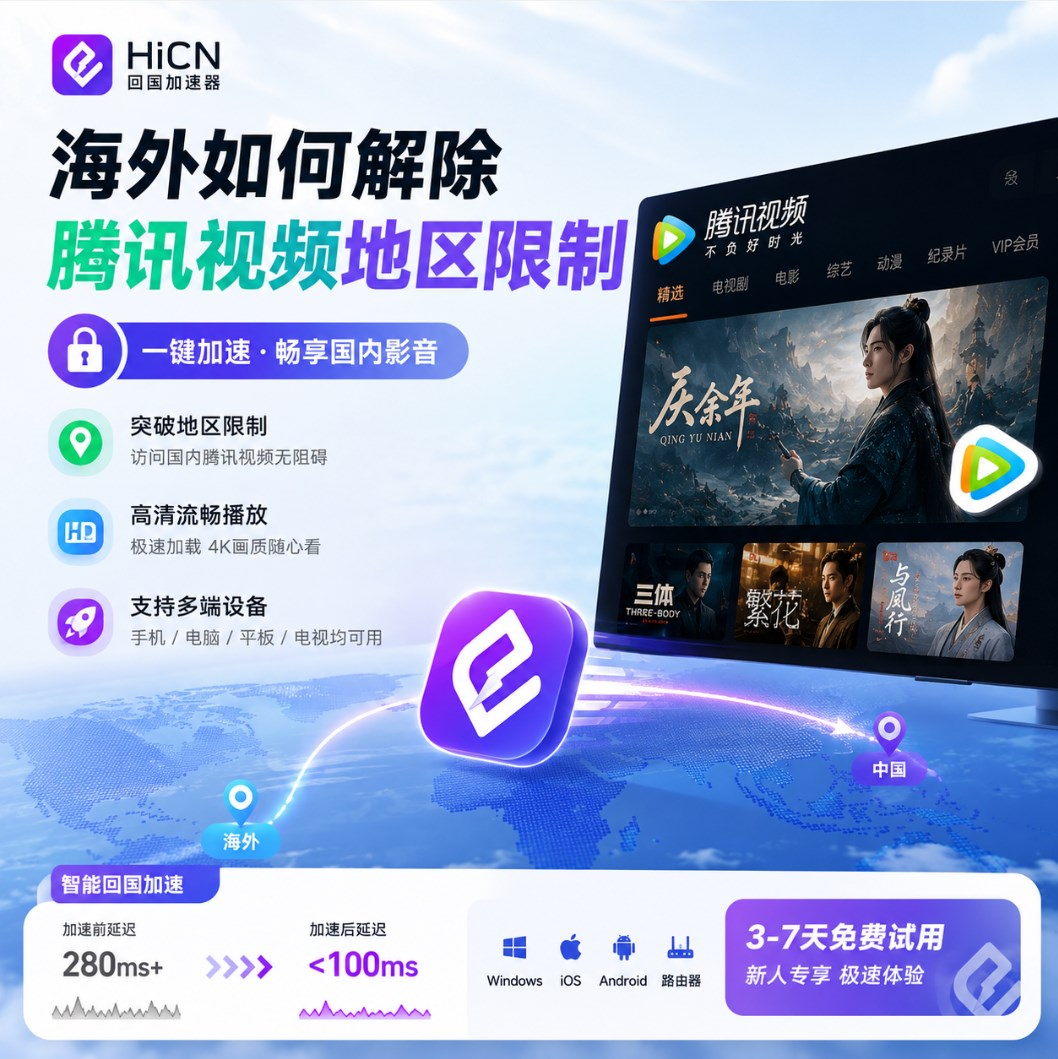
What is the biggest fear when watching dramas overseas? It's not the resolution, but the constant instability of playback.
When watching domestic videos from abroad, the most frustrating situation is often this:
Playback is normal when you first open the video, but buffering starts after a few minutes; switching to HD quality leads to a noticeable drop in loading speed; just as you reach an exciting part, it suddenly stops and starts spinning.
What is even more confusing is that local speed test results might still look good.
Why is the Tencent Video playback experience still unstable even when your home broadband speed is high?
The reason is that broadband speed tests mainly reflect local network capacity, while watching domestic videos also involves cross-border data transmission. When the connection path is long or the route fluctuates, even if your local broadband speed is good, the actual playback experience may still be affected.
What you really need to pay attention to when watching dramas overseas is not just "how fast the internet is," but:
● Whether video loading is fast
● Whether playback is stable
● Whether HD quality can be maintained consistently
● Whether buffering occurs easily during long viewing sessions
● Whether network performance remains stable during evening use
Return-to-China Accelerator: A Common Tool for Overseas Drama Fans
If you only watch domestic videos occasionally, your regular network might be enough. But if you live abroad long-term and frequently use domestic services, the need for network optimization becomes more apparent.
The core function of a return-to-China accelerator is to optimize the network environment when connecting to domestic services from abroad. Simply put:
Overseas Device → Accelerated Route → Domestic Service
By optimizing through routes better suited for cross-border connections, you can reduce instability during the connection process, making it smoother for overseas users to access domestic services.
Moreover, for overseas Chinese and international students, actual needs usually go beyond just watching dramas. You might open Tencent Video to watch a show tonight, team up with friends back home for a domestic game on the weekend, and open a domestic music platform during your commute. If all these needs require network optimization, then a return-to-China accelerator that covers multiple scenarios is clearly more convenient.
HiCN Return-to-China Accelerator: Consolidating Overseas Entertainment Needs into One Solution
For overseas users who frequently use domestic network services,HiCN Return-to-China Acceleratoris a choice worth experiencing. It mainly provides return-to-China network acceleration services for overseas users, suitable for various scenarios such as gaming, video, and music. Compared to tools that only focus on a single application, HiCN is more suitable for overseas users who havemany devices and a wide range of daily usage scenarios.
Supports Multiple Devices
HiCN supports:
Device | Support Status |
Windows | ✅ |
iOS | ✅ |
Android | ✅ |
Router | ✅ |
Computers, mobile phones, and tablets can all be chosen according to your usage habits. If you have multiple devices at home, you can also use it in combination with a router, which is more convenient for users living abroad long-term.
Tencent Video Usage Scenario: How to Experience Return-to-China Acceleration
If you mainly want to improve your network experience when watching Tencent Video from abroad, you can follow these steps:
① Install HiCN first
Choose the corresponding version according to your device. If you watch dramas on a Windows computer, choose the Windows version; if you use your phone more often, you can choose the iOS or Android version.
② Open HiCN and select a route
After entering HiCN, select an appropriate acceleration route based on your usage needs. If you mainly watch videos, you can start testing from video usage scenarios first.
③ Enable acceleration before playing videos
After starting the acceleration, open Tencent Video to play. For your first experience, it is recommended not to just play for a few minutes; try watching a full segment to better feel the stability during long-term playback.
④ Compare your actual experience
You can focus on observing a few things:
● Has the loading speed changed?
● Is there still frequent buffering during playback?
● Is the HD quality more stable?
● Is there any noticeable fluctuation when using it at night?
These actual experiences are more valuable as a reference than just looking at a speed test number.
Why should overseas gamers also prepare a return-to-China accelerator?
Many people first encountered return-to-China accelerators because of watching dramas, only to find later that they also need network optimization for playing domestic games. Especially when playing games with friends in China, the stability of the cross-border connection is very important.
For example:
● Honor of Kings
● League of Legends
● Delta Force
● Peacekeeper Elite
● Genshin Impact
● Other domestic online games
For competitive games, a few seconds of buffering in a video might be acceptable, but sudden latency fluctuations during gameplay can directly affect your performance.
Therefore, when choosing a return-to-China accelerator, overseas players can considervideo playback stability and gaming latency performancetogether. HiCN supports Windows, iOS, Android, and routers, providing comprehensive device coverage for overseas players who use both computers and mobile phones.
Dramas, Games, Music—One Accelerator Covers Multiple Scenarios
In overseas life, domestic network services often do not exist in isolation. A typical weekend might look like this:
Afternoon: Play a few rounds of domestic games with friends in China
Evening: Open Tencent Video to watch dramas
Before bed: Put on headphones and listen to domestic music
If you look for a network solution for each scenario separately, it will inevitably be troublesome to use.
Therefore, for overseas Chinese and international students living abroad long-term, when choosing a return-to-China accelerator, you can prioritizemulti-device and multi-scenario support. HiCN can not only be used for domestic game acceleration but also for network optimization for domestic video and music needs. This way, your daily entertainment can basically be handled with one acceleration solution.
When choosing a return-to-China accelerator abroad, don't just stare at the "lowest latency"
Many product introductions emphasize a certain minimum Ping value. But in actual use, the lowest Ping does not necessarily mean the best overall experience.
For example:
The latency is very low in the first round, but suddenly rises in the second;
It works normally during the day, but fluctuates significantly at night;
It is very stable when you first enter the game, but starts to lag after playing for a long time. In these cases, even if a single speed test result looks great, it does not mean the long-term experience will be ideal.
Therefore, when choosing a return-to-China accelerator, overseas users can focus on:
Stability—Whether the network is prone to significant fluctuations during long-term use
Coverage—Whether it supports your commonly used game, video, and music scenarios
Number of devices—Whether it can be used on both computers and mobile phones, and whether the home network supports routers
Ease of operation—Whether complex settings are required, and whether you can start using it quickly after opening it daily
Trial experience—Whether you can test it based on your location and actual network environment before deciding whether to use it long-term
Overseas network environments vary; you should test the actual experience yourself
This point is especially important for overseas users.
Living in different regions such as Singapore, Australia, Japan, Europe, and North America, the network environment faced when connecting to domestic services is not exactly the same. Even if two people use the same return-to-China accelerator, the final experience may still differ.
Therefore, rather than just referring to what others say about "how many milliseconds," it is better to test it directly with your own devices. You can choose the time periods you use most often, such as when watching dramas at night or teaming up with friends in China, and experience it several times in a row. If video playback is more stable and game latency fluctuations are reduced, then this route is more in line with your needs.
Which overseas users is HiCN suitable for?
If you meet the following situations, HiCN return-to-China accelerator can be a key object for you to experience:
🎮 Overseas domestic game players—Frequently play domestic games with friends in China and want to improve cross-border connections and game latency
🎬 Overseas drama watching users—Frequently watch domestic video content like Tencent Video and want to improve stability during playback
🎵 Domestic music lovers—Accustomed to using domestic music platforms and need a more stable network connection
🎓 Overseas Chinese and international students—Have needs for domestic services on computers, mobile phones, and other devices, and hope for one solution to cover multiple scenarios
🏠 Family multi-device users—Have multiple devices at home such as computers, mobile phones, and tablets, and hope to optimize the network through a router
HiCN supportsWindows, iOS, Android, and routers, and provides3 to 7 days of free trialfor new users, so you can first experience it based on your own network environment.
Summary: If you experience lag while watching dramas overseas, start with the network connection experience
Slow loading, buffering, or playback fluctuations when watching Tencent Video from abroad do not necessarily mean that your local broadband speed is insufficient. For overseas Chinese and international students who frequently use domestic videos, music, and domestic games, what is more worth paying attention to is the stability during the cross-border connection process.
If you want to satisfy needs likewatching dramas, listening to music, and playing domestic gameswith one solution, you can try the HiCN return-to-China accelerator. HiCN supports Windows, iOS, Android, and routers, and new users get a 3 to 7-day free trial, which is suitable for overseas users to test based on their own devices and actual network environment.
New user promo code1124, you can get free membership acceleration time.