Peacekeeper Elite (Game for Peace) is a multiplayer competitive mobile game that relies heavily on network response speed. For overseas Chinese and international students, even with decent local broadband, connecting to the Chinese server can still lead to high latency, inconsistent character movement, delayed firing feedback, and stuttering voice communication.
Especially during intense urban combat, vehicle transfers, air-drop looting, and final circle confrontations, brief network fluctuations can disrupt your gameplay rhythm. Therefore, when choosing a return-to-China accelerator, overseas players should not just look at the latency numbers displayed at a single moment, but also consider line stability, device support, usage scenarios, and actual performance during peak hours.
I. What are the common network issues when playing Peacekeeper Elite overseas?
Movement, aiming, scoping, shooting, looting, and voice communication in Peacekeeper Elite all require continuous data transmission. When overseas networks connect to Chinese servers, the transmission distance is long and passes through many network nodes, making it more susceptible to line congestion and network fluctuations.
Common symptoms include:
● Slow loading speed in the game lobby;
● Occasional screen stuttering during parachuting;
● Delayed feedback when looting items upon landing;
● Latency when scoping, shooting, and switching weapons;
● Position jumping while driving vehicles;
● Intermittent or delayed team voice chat;
● Sudden spikes in latency during a match;
● Longer time required to reconnect to the game.
These issues do not necessarily mean your local internet speed is insufficient. Often, even with fast local download speeds, the transmission route to the Chinese server is suboptimal, which still affects the actual gaming experience.
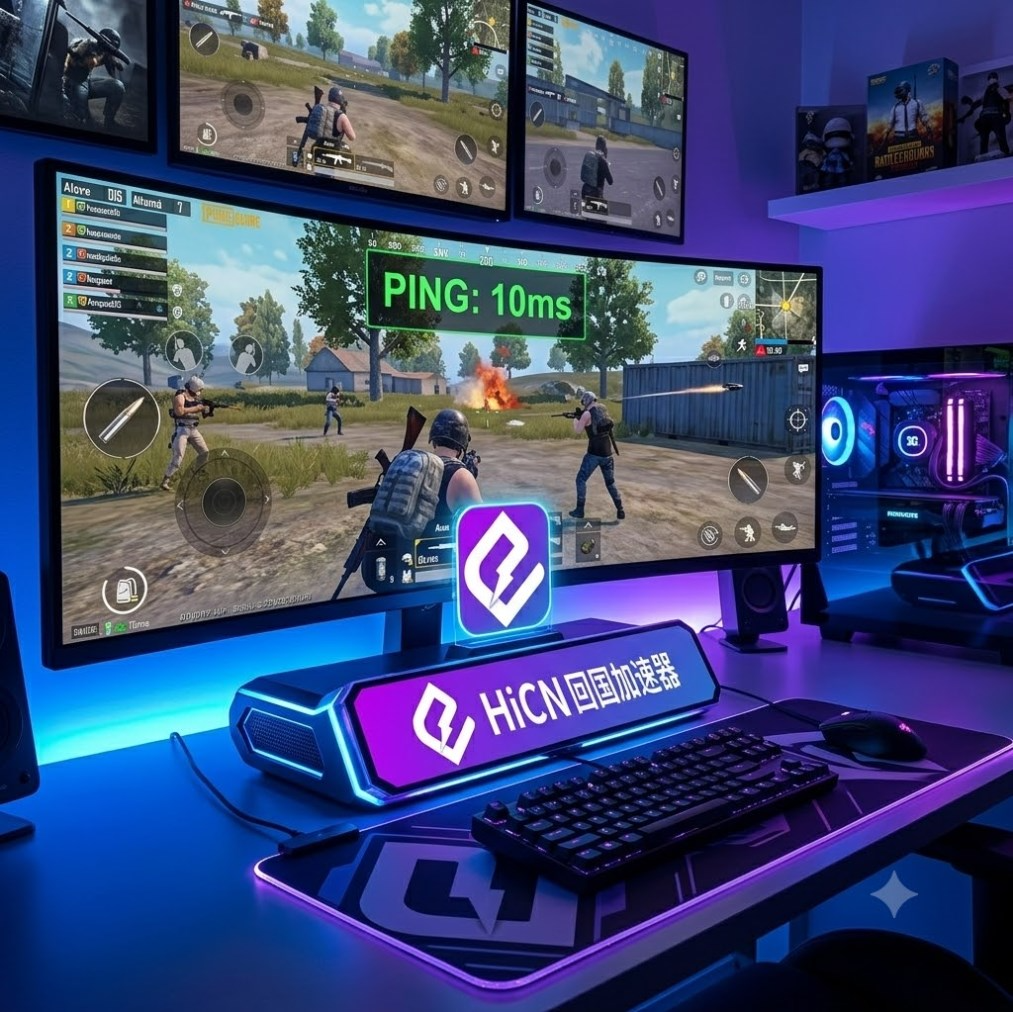
II. What should you prioritize in a low-latency accelerator for Peacekeeper Elite?
When choosing a game acceleration tool, it is recommended to base your decision on the actual in-game experience rather than just comparing data on promotional pages.
Selection Item | Performance to Focus On | Impact on Gaming Experience |
Line Stability | Whether latency fluctuates frequently | Affects combat, movement, and firing feedback |
Node Coverage | Whether there are lines suitable for your region | Determines connection efficiency and stability |
Packet Loss Control | Whether teleportation or stuttering occurs in-game | Affects character positioning and operation synchronization |
Device Support | Compatibility with phones, computers, and routers | Determines convenience for daily use |
Peak Hour Performance | Whether it remains stable during evenings and weekends | Affects team play experience |
Ease of Use | Whether you can quickly select and accelerate games | Reduces repetitive setup steps |
Application Scenarios | Whether it covers games, music, and videos | Meets daily entertainment needs abroad |
For Peacekeeper Elite players, stability is usually more important than low numbers appearing for a short time. A line with slightly higher latency but less fluctuation is often better for long matches than a line with erratic latency.
III. Overseas players can use the HiCN return-to-China accelerator
HiCN return-to-China accelerator primarily serves overseas Chinese, international students, and users living abroad long-term. It can be used for network acceleration for Chinese server games, domestic music, and video streaming apps.
When playing Peacekeeper Elite, users can select the corresponding game acceleration project in HiCN. By optimizing data transmission routes, it improves issues such as high latency, network jitter, and connection instability that often occur when connecting to Chinese servers via standard networks.
In addition to Peacekeeper Elite, users who enjoy playing other Chinese mobile/PC games or need to listen to domestic music and watch variety shows and TV dramas can switch to the corresponding acceleration scenarios within the same tool.
IV. Several reasons why HiCN is suitable for Peacekeeper Elite players
1. Line optimization for Chinese server games
Peacekeeper Elite is a real-time competitive game with high requirements for network continuity. HiCN provides acceleration lines for Chinese server games; users can start acceleration after selecting the game without needing to modify complex parameters.
In actual use, you can focus on observing network performance during looting, close-quarters combat, driving vehicles, and multi-player melees to determine if the current line is suitable for your location.
2. Supports Windows, iOS, and Android
Different users have different device habits. Some players prefer using iPhone or iPad, some use Android phones, and some users play other Chinese server games or use domestic media apps on Windows computers.
HiCN supports:
● Windows computers;
● iPhone and iPad;
● Android phones and tablets;
● Router acceleration solutions.
Multi-platform support reduces the trouble of finding other tools after changing devices, making it suitable for overseas users who own phones, computers, and tablets simultaneously.
3. Supports router acceleration
If you have many devices at home that need acceleration, consider using the router solution. Once set up, phones, tablets, computers, and TVs connected to that network can use the acceleration service according to their needs.
The router solution is more suitable for the following environments:
Usage Environment | More Suitable Acceleration Method |
Only playing Peacekeeper Elite on a phone | iOS or Android client |
Frequently switching between phone and computer | Install respective clients separately |
Multiple common devices at home | Router acceleration |
Sharing media apps with family | Router acceleration |
Frequently going out or changing networks | Mobile client |
Using personal devices in a dormitory | Mobile or Windows client |
4. Not just for game acceleration
The daily entertainment needs of overseas users usually go beyond gaming. Besides Peacekeeper Elite, they may also need to listen to Chinese songs, watch domestic TV dramas, variety shows, and short videos.
HiCN integrates Chinese server games, music, and video scenarios into the same client. Users can choose the corresponding project based on their current needs. Select game acceleration when playing games, and switch to the corresponding app when listening to music or watching shows, making daily use more convenient.
5. New users can test the actual effect first
HiCN provides a 3 to 7-day free trial for new users. Due to differences in countries, cities, broadband operators, and home network environments, it is recommended to conduct multiple tests during the trial period.
When testing, don't just open the client to look at latency; observe in the following scenarios:
● Local evening network peak hours;
● Active hours for domestic players;
● Solo, duo, and squad matches;
● Multi-player combat in urban areas;
● Test using Wi-Fi and mobile networks separately;
● Test phone and router solutions separately.
By comparing different times and scenarios, it is easier to judge whether the line is suitable for long-term use.
V. Basic steps for HiCN to accelerate Peacekeeper Elite
Step 1: Install the version suitable for your device
Install the Windows, iOS, or Android client according to your device. Users with many devices at home can also look into the router acceleration solution.
Step 2: Log in to your account
Log in to your HiCN account after installation. New users can claim the trial period before conducting actual network tests.
Step 3: Search for Peacekeeper Elite
Enter the game acceleration category, type "Peacekeeper Elite" in the search box, and select the corresponding Chinese server game project.
Step 4: Enable game acceleration
Select a line based on client recommendations and enable acceleration. Once connected successfully, launch Peacekeeper Elite.
Step 5: Enter a match for testing
You can enter the training ground first to test movement, scoping, shooting, switching weapons, looting, and voice communication. Confirm the network status is normal before starting an official match.
VI. Why might fluctuations still occur after enabling acceleration?
A return-to-China accelerator can optimize cross-regional transmission lines, but the gaming experience is also affected by the local network environment. The following issues may also cause increased latency:
Weak Wi-Fi signal
If the phone is too far from the router or there are multiple walls in between, the wireless signal will be weakened. It is recommended to stay as close to the router as possible and prioritize connecting to a stable 5GHz band.
Multiple devices occupying bandwidth simultaneously
When other devices at home are downloading large files, syncing cloud data, or playing high-definition videos, real-time data transmission for Peacekeeper Elite may be affected.
Background applications continuously connected to the network
Phone system updates, automatic app downloads, photo backups, and file syncing all consume network resources. Close unnecessary background tasks before entering the game.
Current node is not suitable for the local network
Connection effects between different broadband operators and different nodes may vary. If the current line fluctuates significantly, switch to other recommended nodes and test again.
Router running for too long
If a router is not restarted for a long time, connection status may decline. Properly restarting the router and network equipment helps restore a stable state.
VII. How to judge if the acceleration effect is suitable?
Judging whether a return-to-China accelerator is suitable for Peacekeeper Elite should not be based solely on the latency number on the home page, but on performance during a full match.
You can judge from the following aspects:
Test Scenario | Key Content to Observe |
Parachuting stage | Whether the screen is smooth and direction adjustment is timely |
Looting upon landing | Whether items can be picked up quickly |
Close-quarters combat | Whether scoping and firing respond in time |
Driving vehicles | Whether the vehicle jumps significantly |
Multi-player building assault | Whether character movement and footstep information are normal |
Team voice | Whether the call is continuous and clear |
Final circle | Whether latency spikes suddenly |
Multiple consecutive matches | Whether network status can remain stable |
It is recommended to test for multiple consecutive matches rather than just one. Occasional low latency does not fully represent long-term line stability; overall performance across consecutive matches has more reference value.
VIII. How to choose between mobile and router solutions?
If you only play Peacekeeper Elite on your phone, installing the iOS or Android client directly is simpler, and it's convenient to switch between different networks when going out.
If you also need to use computers, tablets, and TVs to listen to music and watch shows at home, consider the router acceleration solution. This reduces the steps of operating each device separately, making it more suitable for multi-device households and shared student housing.
Simply put:
● For a single phone, prioritize the mobile client;
● For alternating between phone and computer, install the respective clients;
● For multiple devices at home used simultaneously, consider the router solution;
● For frequent business trips or travel, the mobile client is more flexible;
● For high demand in both gaming and media, choose a multi-scenario supported solution.
IX. Network optimization suggestions for playing Peacekeeper Elite overseas
To further maintain game stability, you can use the following methods:
1. Pause large file downloads and cloud syncing before gaming;
2. Try to connect to Wi-Fi with a strong signal;
3. Avoid being too far from the router;
4. Close unnecessary background networking applications;
5. Restart the router regularly;
6. Test acceleration lines at different times;
7. Try switching nodes when fluctuations occur;
8. Launch the game after enabling acceleration;
9. Don't just compare instantaneous latency; observe overall stability throughout the match.
Summary
Increased latency, slow firing feedback, screen stuttering, or inconsistent voice chat when playing Peacekeeper Elite overseas are usually related to cross-regional transmission distance, network nodes, peak usage times, and local Wi-Fi environments.
When choosing a low-latency accelerator, focus on line stability, node matching, device compatibility, and peak hour performance. The HiCN return-to-China accelerator supports Windows, iOS, Android, and routers, and can be used for Chinese server games like Peacekeeper Elite, while also being suitable for overseas Chinese and international students to listen to music, watch shows, and use other domestic media apps.
New users can get a 3 to 7-day free trial. It is recommended to conduct multi-scenario tests based on your location, network operator, and common devices before deciding on the usage plan that suits you.
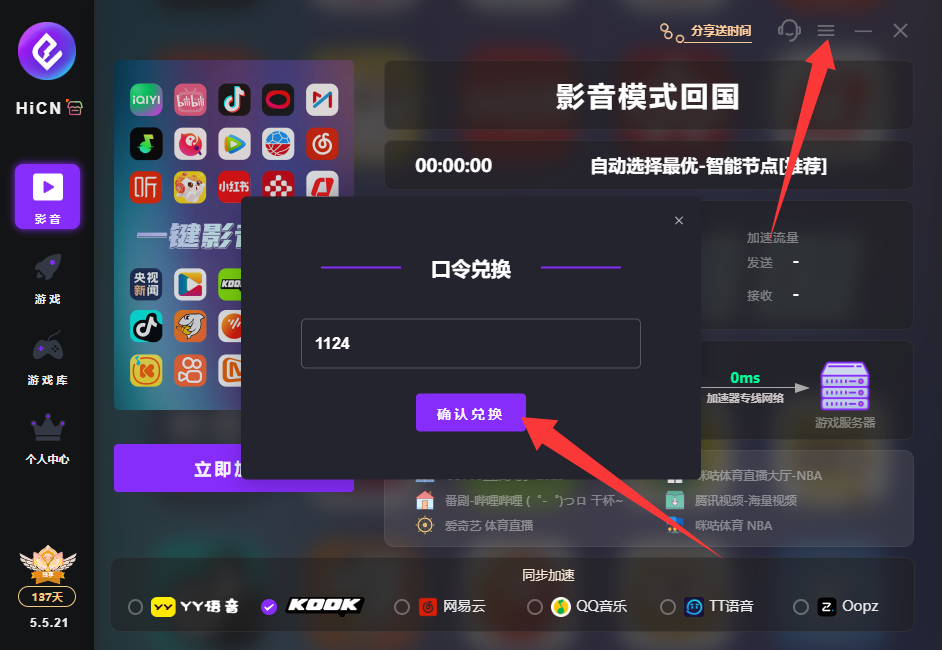
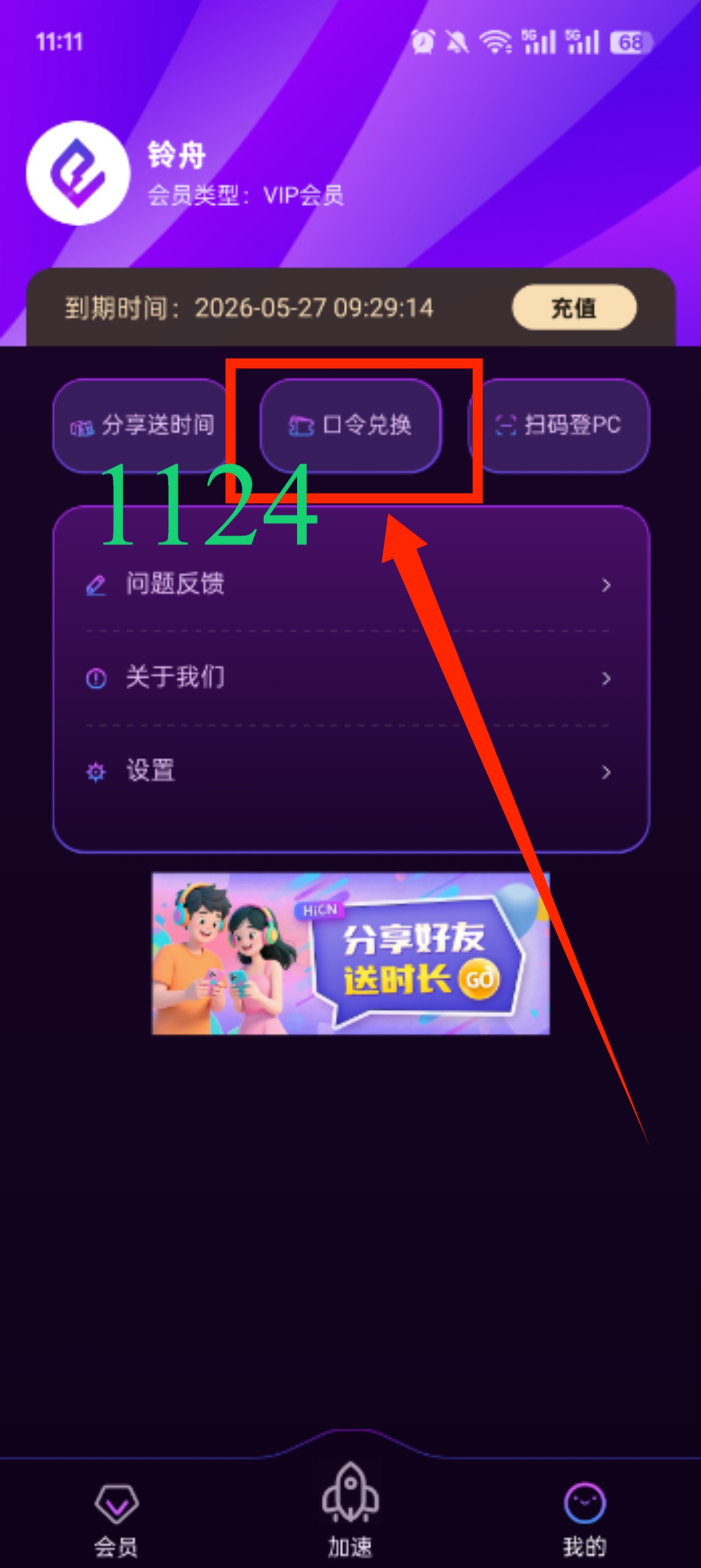
Use code 1124 to get free HiCN membership acceleration time.