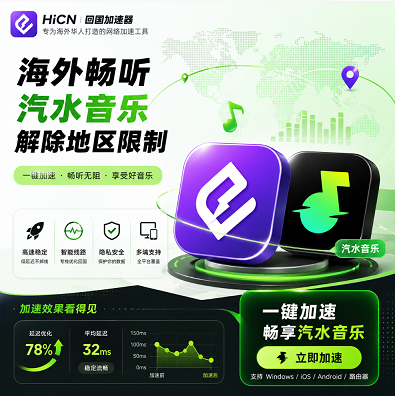
Why does Qishui Music suddenly stop working well after going abroad?
Many users have had this experience:
When in China:
● Saved a large number of favorite songs;
● Created multiple private playlists;
● Followed favorite musicians.
After arriving overseas:
Opening Qishui Music, you find that:
● Some songs cannot be played;
● The experience of saved playlists is abnormal;
● Search content has changed;
● Music loading time has increased.
For overseas users who are used to listening to music every day, this change is very obvious.
Especially:
● During a student's commute;
● During lunch breaks at work abroad;
● When relaxing in the evening.
Music has become a part of daily life; once the playback experience declines, it affects usage habits.
What are the common problems with Qishui Music overseas?
The problems encountered by users vary depending on the region and network environment.
Common situations include:
Problem Type | Specific Manifestation |
Abnormal song playback | Clicking a song does not play normally |
Abnormal playlist display | Saved content does not load completely |
Slow music loading | Long waiting time when skipping songs |
Changes in recommended content | Different content displayed on the homepage |
Unstable network | Waiting occurs during playback |
Therefore, when solving overseas usage problems, you need to first determine whether it is an application issue or caused by the network connection environment.
Why is the experience of using domestic music apps different overseas?
Many overseas users wonder:
"My phone is fine and the network speed is good, so why are domestic music apps still not working well?"
The main reason is:
The network environments for different services are different.
For example:
Accessing overseas websites:
Overseas device → Local network → Overseas service
Using domestic applications:
Overseas device → Cross-regional connection → Domestic service
There is a difference in the data transmission paths between the two.
Factors affecting the experience include:
Factor | Impact on content |
User location | Distance leads to changes in response |
Network route | Affects connection stability |
Local ISP | Affects data transmission quality |
Wi-Fi environment | Affects playback continuity |
Peak usage hours | Network fluctuations may occur |
Therefore, listening to domestic music overseas depends not only on broadband speed but also on the overall network environment.
What are the common ways for overseas users to solve Qishui Music problems?
Currently, overseas users usually choose different types of methods.
A simple comparison is as follows:
Method | Pros | Cons | Target Audience |
Adjust phone settings | Simple operation | Limited effect | General users |
Single-app optimization | Targeted at a single platform | Narrow scope of use | Music-only users |
Return-to-China accelerator | Multi-scenario support | Need to choose a suitable service | Long-term overseas users |
For overseas Chinese and international students, actual needs are usually not just music.
Daily life also includes:
● Listening to domestic songs;
● Watching domestic programs;
● Playing domestic server games;
● Using domestic applications.
Therefore, a multi-functional network optimization solution is more in line with long-term usage habits.
HiCN Return-to-China Accelerator: Network Optimization Solution for Overseas Music and Entertainment
For users living overseas for a long time, a suitable return-to-China accelerator can improve multiple usage scenarios.
HiCN Return-to-China Accelerator is mainly aimed at:
● Overseas Chinese;
● International students;
● Users working overseas;
● Domestic server gamers.
Supports:
● Network optimization for domestic music apps;
● Experience optimization for domestic video apps;
● Domestic server game acceleration.
Simple to use:
1. Install the HiCN client;
2. Log in to your account;
3. Select a suitable route;
4. Enable network acceleration;
5. Open Qishui Music and enjoy.
No complex settings required, more suitable for daily use by general users.
Which devices does HiCN support?
Overseas user device environments are quite diverse.
Some people:
Use computers for work and entertainment;
Some people:
Mainly listen to music via mobile phones;
Others:
Use multiple devices at home together.
HiCN supports:
Platform | Usage Scenario |
Windows | PC gaming, music, video |
iOS | iPhone and iPad users |
Android | Mobile and tablet users |
Router | Multi-device home environment |
For example:
Student scenario
Dormitory:
Computer for domestic server games;
Mobile phone:
Listening to music, watching videos.
Overseas family scenario
Multiple devices:
Connected to the network simultaneously.
You can choose the usage method according to your actual needs.
Why are comprehensive return-to-China acceleration solutions more suitable for overseas users?
Many overseas users only want to solve one problem at first:
"I want to listen to music."
But after long-term use, they find that their needs are increasing:
Today:
Listen to Qishui Music.
Evening:
Play domestic server games.
Weekend:
Watch domestic programs.
If you use different tools for each need, it will increase operational costs.
Therefore, a solution that supports multiple scenarios is more convenient.
In addition to music, HiCN Return-to-China Accelerator also supports:
● Domestic server game network optimization;
● Domestic video experience;
● Daily domestic application connectivity.
What should overseas players focus on testing when actually using HiCN?
When choosing a network optimization tool, it is not recommended to look only at promotional parameters.
The actual experience is more important.
You can test:
Test Content | Observation Focus |
Open Qishui Music | Loading speed |
Play saved songs | Stability |
Continuous playback | Whether it is smooth |
Switch playlists | Response speed |
Mobile usage | Mobile performance |
Computer usage | Multi-device experience |
Suggestion:
Use playlists you listen to often;
Test during your usual usage times;
Observe long-term stability.
HiCN New User 3-7 Day Free Trial Experience Suggestion
HiCN supports a 3 to 7-day free trial for new users.
Overseas users can test according to their own needs:
Day 1
Experience Qishui Music playback.
Day 2
Test network conditions at different times.
Day 3
Experience domestic server game acceleration.
Follow-up
Test:
● Windows devices;
● iOS devices;
● Android devices;
● Router solutions.
Through real-life scenarios, it is easier to judge whether it is suitable for long-term use.
What should you pay attention to when choosing a return-to-China accelerator overseas?
You can refer to the following when choosing:
Focus Area | Description |
Stability | Whether it is stable for long-term use |
Device support | Whether it covers common devices |
Scope of use | Whether it supports multiple applications |
Operational experience | Whether it is simple and convenient |
Service experience | Whether a trial is provided |
Scenario adaptation | Whether games, music, and video are all taken into account |
For overseas users, suitability for your own usage habits is more important than simply comparing a single parameter.
Summary: Network optimization is a key step for listening to Qishui Music overseas
The situation where songs cannot be played or loading is slow when using Qishui Music overseas is not necessarily a problem with the phone or the app itself; it is more often related to the network environment and connection experience.
For overseas Chinese and international students, you can first check your local network environment and then choose a return-to-China acceleration solution that suits you.
HiCN Return-to-China Accelerator supports Windows, iOS, Android, and routers, making it suitable for various scenarios such as listening to music, binge-watching shows, and playing domestic server games overseas.
New users get a 3 to 7-day free trial, which you can use to experience it based on your region, devices, and daily needs.
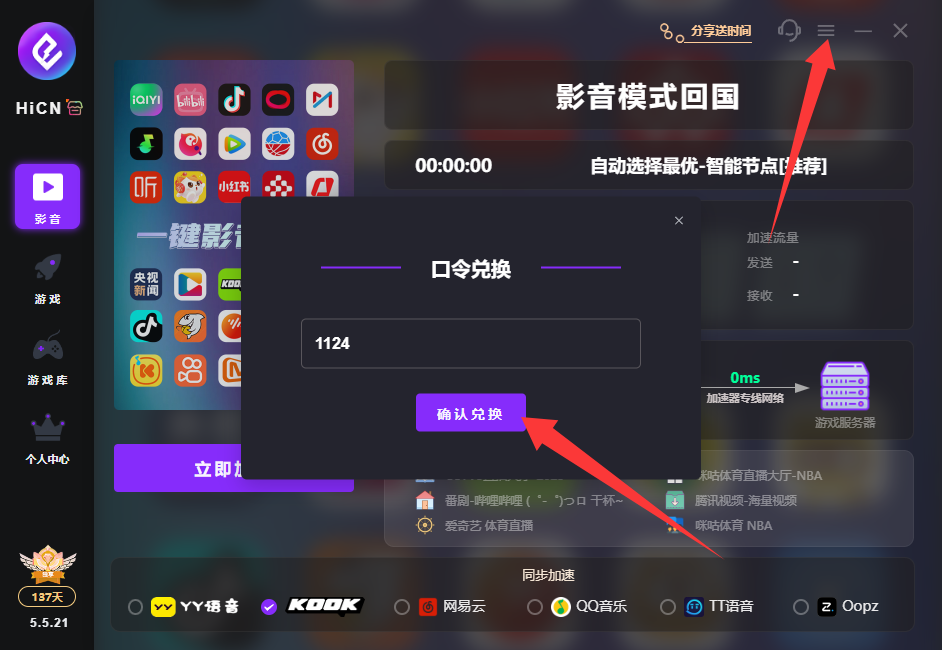
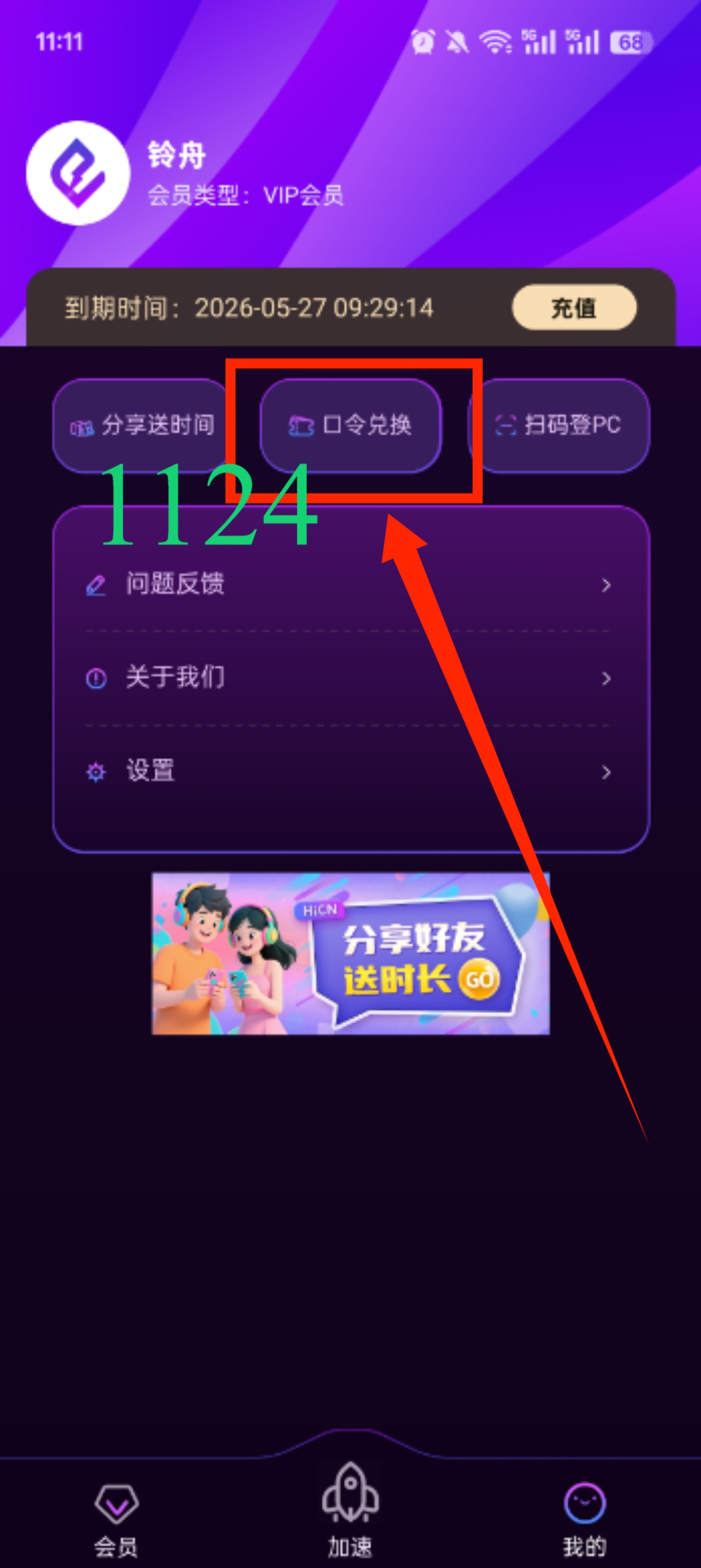
Enter code 1124 to get free HiCN membership acceleration time.