
What I really want to see is quite simple: the match footage with familiar Chinese commentary.
For those living abroad for a long time, many still prefer Chinese commentary when watching major sports events.
Especially for high-profile sports like table tennis, badminton, basketball, swimming, track and field, and esports, Chinese commentators are more familiar with the athletes, tactics, and the background of the matches. Chatting about the game in a group while watching the live stream feels much more engaging than just watching the raw footage alone.
Official information from the Aichi-Nagoya Asian Games indicates that the event has entered the competition phase, with sports like basketball already underway and many more to follow. Officials also remind everyone that specific schedules may be adjusted based on actual circumstances, so those planning to follow the games should double-check the latest schedule before watching.
But once you are overseas, the trouble is usually not "whether there is a game to watch," but rather—You finally find the Chinese commentary you want to watch, but your network experience can't keep up.
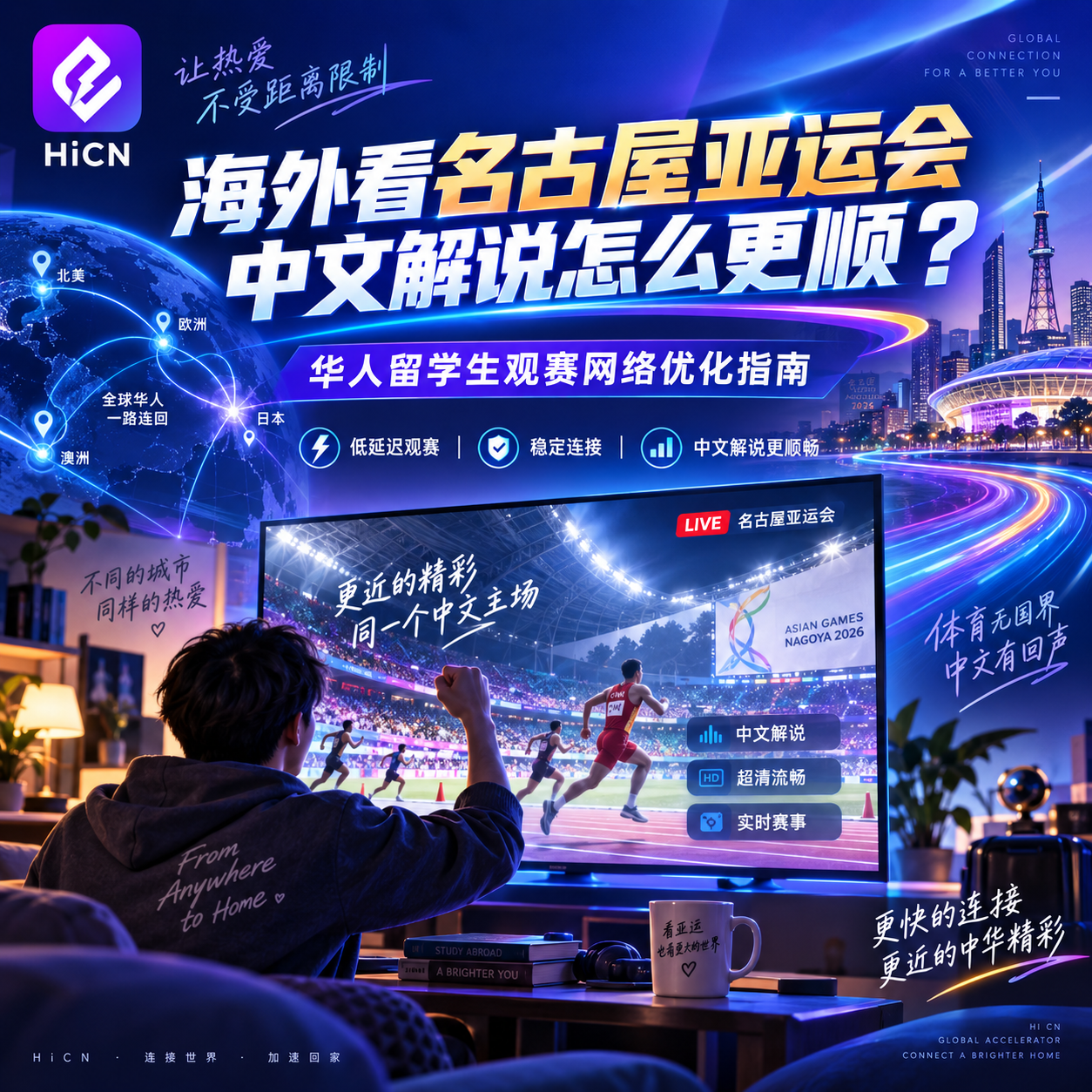
What are the most common issues when watching the Nagoya Asian Games from abroad?
Looking at recent public discussions and user feedback on overseas sports streaming, the problems are quite concentrated:
Some people find the live stream page keeps loading;
Some can only maintain low resolution after getting in;
Others find it works fine for the first few minutes, but it starts buffering right at the critical moment;
There are even cases where the footage has already finished a play, but the Chinese commentary audio only catches up slowly.
The most common misconception is:
"I have a hundreds-of-megabits broadband connection, so why is the live stream lagging?"
Because a fast broadband speed test doesn't mean the entire path to the domestic network is stable.
When you open a domestic platform from Los Angeles, Vancouver, London, Paris, Singapore, or Sydney, the data doesn't go directly from your home router to the streaming server; it passes through multiple network nodes along the way.
As the distance increases, what really affects the live stream is:
Latency, network jitter, packet loss, and congestion during peak hours.
Ordinary short videos can buffer a few seconds in advance, but sports live streams are different. The game is constantly moving in real-time, so even a brief network hiccup is immediately noticeable. Public materials on overseas sports streaming also list frequent buffering, resolution drops, and audio-video desync as typical cross-border viewing issues.
When watching Chinese commentary from abroad, don't wait until the game starts to test it.
This is especially important.
Many people don't pay attention at all until someone in a WeChat group suddenly says "The Chinese team is playing soon," and then they rush to open their computer, find the stream, and log in.
As a result, the game has already started while they are still restarting the software.
If you are really planning to follow the Nagoya Asian Games, it is recommended to test your devices in advance.
For example, if you plan to watch on your computer at night, use your Windows computer to open your usual domestic sports streaming platform in advance and play a live stream or a high-definition video.
If it can play stably for a while and the audio and video are normal, you will have much more peace of mind when the official game starts.
The same applies to mobile phones.
Don't test it on your computer only to switch to an iPad or Android phone when it's time to watch, as the network environment might be completely different.
Why do I recommend preparing a return-to-home accelerator for watching sports abroad?
If you only watch news highlights occasionally, a standard network is basically enough.
But live streaming is different.
The biggest fear in sports is not "being a bit slow," butinstability.
Especially during the final minutes of a basketball game, the deciding set of a table tennis match, a game point in badminton, or a team fight in esports—even if it pauses for just a few seconds, you might miss the entire critical moment when it comes back.
This is why many overseas Chinese use return-to-home accelerators specifically optimized for domestic network scenarios.
For example, HiCN, whose core function is to help overseas devices optimize the transmission path when connecting to domestic networks, making the connection more stable for watching sports, streaming shows, listening to music, and playing domestic online games.
For those preparing to follow the Nagoya Asian Games with Chinese commentary, this usage is quite straightforward:
Open HiCN first, then enter the domestic sports streaming platform you usually use, and then play the corresponding event.
No need to refresh repeatedly after the game has started.
Which types of overseas users is HiCN suitable for?
1. International students watching the Asian Games in dorms
Dorm networks are often shared by many people.
It feels fine during the day, but at night when everyone is back, watching videos, playing games, and downloading files simultaneously, network fluctuations become immediately apparent.
In this case, you can close large downloads in the background, turn on HiCN for network optimization, and then re-test the live stream.
2. Overseas Chinese watching games on home computers
Some people like watching on phones, while others prefer the big screen of a computer.
HiCN supports Windows, iOS, Android, and routers, so you don't have to switch devices temporarily just to watch the game.
You can use Windows for watching on your computer; if you go out, you can continue using the mobile version.
3. Households with many TVs, tablets, and phones
There is another very common situation:
You are watching the game on the TV, family members are scrolling through videos on their phones, and the kids are watching cartoons on a tablet.
With many devices, the local network is easily saturated.
If you use domestic apps frequently, you might also consider optimizing the network at the router level, which makes switching between devices at home much more convenient.
HiCN is not just for the Asian Games
Many international students install a return-to-home accelerator initially just for the games, only to realize later that it is actually most frequently used for daily scenarios.
For example, catching up on domestic TV dramas on weekends;
Opening domestic music apps to listen to songs;
Playing "Honor of Kings," "Peace Elite," or other domestic server games;
Watching domestic variety shows and sports events;
Or even using voice chat to play games with friends.
These scenarios have one thing in common:
Overseas devices need to connect to domestic networks frequently.
So, from a practical usage perspective, a tool that only solves the problem for one Asian Games event doesn't have much significance.
The benefit of HiCN is that it covers sports, video, music, and domestic games, so you don't need to install one for games and switch to another for something else.
How to prepare for watching the Nagoya Asian Games with Chinese commentary from abroad
If I were to arrange it in the order of actual use, I wouldn't make it overly complicated.
The first thing is to decide which events you want to watch and keep an eye on the latest official schedule. The schedule itself may be adjusted dynamically, and last-minute changes are normal.
Next, confirm which domestic platform you usually use for sports streaming and log in to your account in advance.
Then, open the HiCN return-to-home accelerator.
New users can first use the 3-7 day free trial, so you don't need to worry about long-term plans right away. Running it with your own network and devices is more meaningful than just looking at the specs.
After entering the acceleration state, open the streaming platform and play any high-definition sports content for a while.
If the image is stable, the resolution is normal, and the audio and video are basically synchronized, this environment is basically ready for you to follow the games.
If it still lags, don't rush to reinstall repeatedly.
When encountering lag during a live stream, I actually don't recommend deleting and reinstalling the app as your first reaction.
You can perform a few simple checks first.
If the Wi-Fi signal is weak, move closer to the router or switch to a 5GHz network.
If your computer is downloading large files, pause them first.
If your phone has cloud sync or video backup running, you can temporarily turn them off.
If these are all fine, then reconnect to HiCN and test other lines suitable for your current network environment.
There is another very practical method:
If the Wi-Fi is lagging on your phone, temporarily switch to mobile data to test.
If the mobile network is clearly normal, the problem is likely with the current Wi-Fi, not the streaming platform itself.
Troubleshooting this way is much faster than logging out and back in repeatedly.
Final thoughts: For sports streaming, stability is more important than just "fast internet speed."
When watching the Nagoya Asian Games with Chinese commentary from abroad, what really affects the experience is often not the number of Mbps shown in a speed test app.
What you should pay more attention to is:
Whether you can enter the game smoothly, whether the HD quality can be maintained, whether it will suddenly buffer at a critical moment, and whether the Chinese commentary and the game footage can be properly synchronized.
For overseas Chinese and international students, if you already have a need to watch domestic sports, stream shows, listen to music, or play domestic games, you can use HiCN return-to-home accelerator to prepare your network environment in advance.
Don't wait until the deciding set has already started while you are still trying to figure out why the screen keeps spinning.
One last reminder:New HiCN users get a 3-7 day free trial, and you can use the code 1124 to get free membership acceleration time.