
Why does playing Genshin Impact from overseas often feel less smooth than in China?
For many overseas players, their Genshin Impact Chinese server account has been a long-time companion.
Character builds, exploration progress, and friend lists are all tied to the original account, so even when living abroad, players hope to continue using the familiar Chinese server environment.
However, in actual gameplay, a common situation often arises:
The game logs in and the map opens, but the overall experience feels "not quite right."
For example:
● Waiting for the map to load when teleporting;
● Occasional delays in character movement;
● Slow entry into worlds during multiplayer co-op;
● Unresponsive skill feedback during combat;
● More frequent fluctuations when playing at night compared to the day.
Many players mistakenly assume it is a PC configuration or mobile performance issue.
In reality, the Genshin Impact experience is mainly affected by two aspects:
On one hand, device performance;
On the other hand, network connection quality.
If the graphics are smooth but the input feedback is slow, you should pay more attention to your network route.
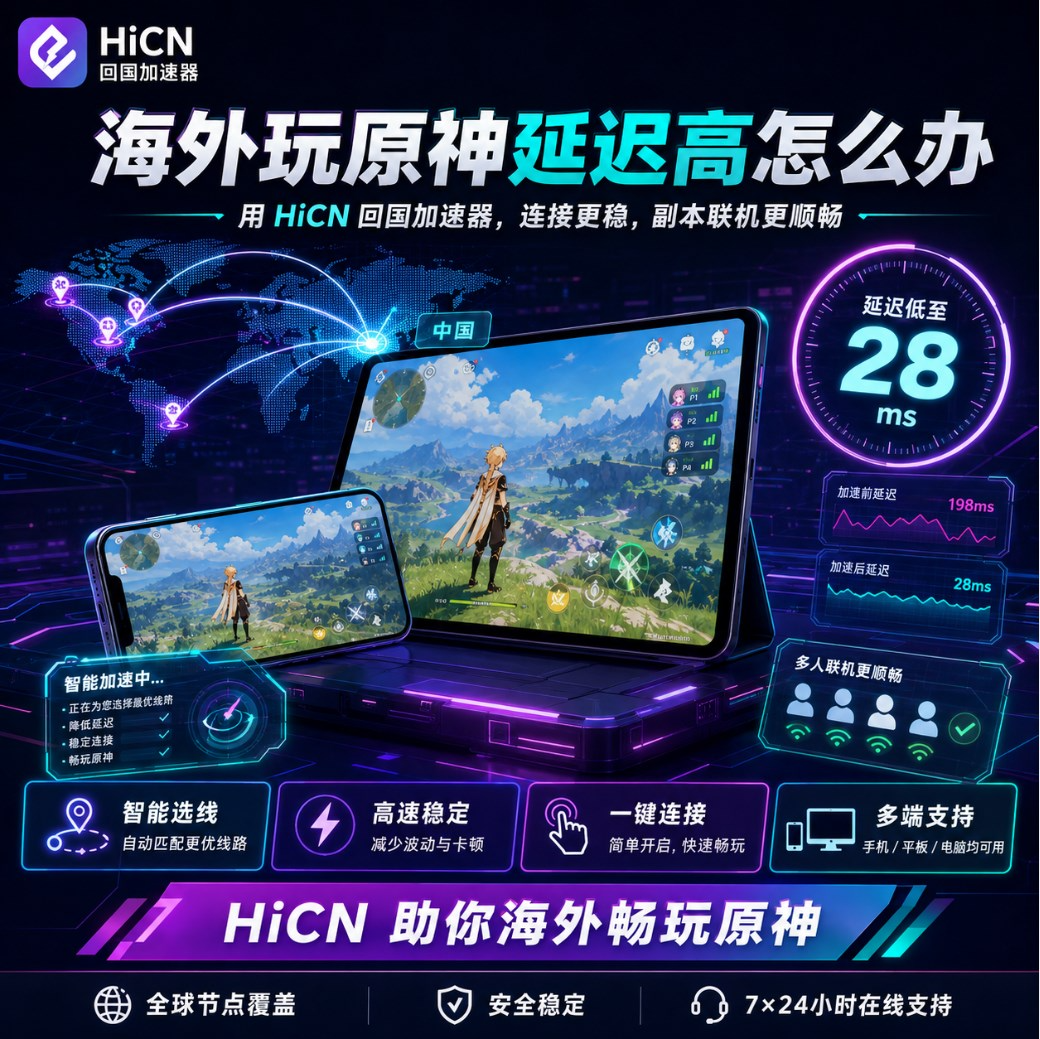
What factors contribute to high latency when playing Genshin Impact overseas?
Connecting to the Chinese server from abroad involves a long data transmission process.
The problems encountered by different players are not exactly the same.
For example:
European players may be more concerned about long-distance route stability;
North American players may be more prone to fluctuations during peak hours;
Students in dormitories may be affected by shared networks.
Common influencing factors include:
Source of Impact | Potential Issues |
Geographic Distance | Increased baseline latency |
Network Route | Unstable data transmission |
Apartment Wi-Fi | Fluctuations during peak hours |
Multi-device usage | Network resources occupied |
Background programs | Game connection affected |
Router status | Degraded wireless quality |
Therefore, to improve your Genshin Impact experience abroad, you need to make adjustments based on your own environment.
First, determine: Is your problem actually caused by the network?
Many players lower the graphics settings immediately after experiencing lag.
However, different problems require different solutions.
Game Performance | Most Likely Cause | Priority Action |
Noticeable frame drops | Device performance | Adjust graphics settings |
Phone overheating severely | Hardware load | Optimize device |
Character movement delay | Network connection | Check network route |
Slow co-op loading | Data synchronization | Optimize network |
Slow skill feedback | Latency fluctuations | Use game accelerator |
Noticeably laggier at night | Network peak hours | Adjust network route |
If only the graphics are not smooth, you can optimize your device.
But if:
"The character has moved, but the feedback is a beat slow"
"It takes a long time to enter a friend's world"
"Occasional pauses during combat"
These situations usually require more attention to network optimization.
There are three ways to improve your Genshin Impact experience while playing from overseas
First: Reduce local network pressure
A common problem for overseas users is connecting multiple devices to one network environment.
For example:
● Playing games on a PC;
● Automatic updates on a phone;
● Streaming videos on a tablet;
● Roommates downloading files.
All of these will affect real-time game connections.
Before entering Genshin Impact, you can:
● Pause large downloads;
● Turn off cloud synchronization;
● Close unused software;
● Reduce usage on other devices.
This allows the game to have a more stable network environment.
Second: Optimize the wireless network environment
Wi-Fi quality has a significant impact on the gaming experience.
Suggestions:
● Stay as close to the router as possible;
● Avoid using it through walls;
● Reduce wireless interference;
● Regularly restart your router.
If you play games in a fixed location for a long time, consider a more stable wired network connection.
Third: Use a return-to-China accelerator to optimize game routes
If there are no obvious issues with your local network but you still experience latency and fluctuations in the Genshin Impact Chinese server, consider using a return-to-China accelerator.
HiCN return-to-China accelerator primarily serves overseas Chinese, international students, and long-term residents abroad, providing network acceleration for Chinese server games, domestic music, and video streaming apps.
Players can select the corresponding game in the HiCN client and launch it after enabling acceleration to enter the Genshin Impact Chinese server.
By optimizing the transmission path from overseas devices to domestic servers, it reduces the impact caused by route fluctuations.
Why are Genshin Impact players better suited for testing acceleration routes?
Genshin Impact does not require the ultra-fast response times of competitive shooters, but it is a long-term online game.
Players may engage in the following daily:
● Daily commissions;
● Map exploration;
● Domain challenges;
● Co-op with friends;
● Event quests.
Therefore, a route suitable for long-term use needs to focus on sustained stability.
When testing, it is recommended to:
Test Item | What to Observe |
Log in to the game | Is it fast to enter? |
Map exploration | Is loading stable? |
Combat process | Is operation feedback normal? |
Co-op mode | Synchronization with friends |
Long-term gameplay | Is it consistently stable? |
Evening experience | Performance during peak hours |
Do not just test for a few minutes.
Use it continuously for a period of time to judge if the route is truly suitable.
Which devices does HiCN support?
Overseas players have different device environments, so multi-platform support is very important.
HiCN supports:
● Windows;
● iOS;
● Android;
● Router solutions.
Different users can choose as follows:
Usage Needs | Recommended Solution |
Playing on PC | Windows client |
Playing on mobile | iOS/Android client |
Need both mobile and PC | Multi-device usage |
Multiple devices in the home | Router solution |
Long-term use at a fixed residence | Router solution |
For example:
Students using a Windows PC to play at night and a phone for daily tasks during the day;
Or households where PCs, phones, and tablets all need access simultaneously.
Different devices can be chosen based on actual circumstances.
Why do international students need multi-device support more?
The lifestyle of overseas students is quite unique.
Network needs throughout the day may include:
Morning:
Using a phone to complete daily game tasks.
Afternoon:
Listening to domestic music while studying.
Evening:
Logging into the Chinese server on a PC.
Rest time:
Watching domestic shows on a tablet.
If each scenario requires different settings, it increases the cost of use.
HiCN supports multiple device platforms, covering common entertainment needs for overseas users.
How to test a Genshin Impact accelerator more accurately?
When testing acceleration effects, it is not recommended to just look at the client display.
It is better to test according to your actual usage habits.
Test multiplayer co-op
Enter a friend's world:
Observe:
● Joining speed;
● Co-op stability;
● Game synchronization.
Test combat scenarios
Observe:
● Character switching;
● Skill casting;
● Operation feedback.
Test at different times
Experience during:
● Daytime;
● Evening;
● Weekends.
Because overseas network environments may change over time.
How should new users experience the 3-7 day trial?
HiCN offers a 3 to 7-day free trial for new users.
It is recommended not to test just once.
You can follow this approach:
Time | Test Content |
Day 1 | Test your most played games |
Day 2 | Compare different routes |
Day 3 | Experience evening peak hours |
Follow-up | Test mobile and media scenarios |
Experience simultaneously on:
● Windows PC;
● iPhone/iPad;
● Android devices;
● Router solution.
This makes it easier to find the method that fits your network environment.
Besides Genshin Impact, it can also be used for daily overseas entertainment
For overseas Chinese and international students, network needs are not limited to games.
You might also:
● Listen to domestic music;
● Watch TV dramas;
● Watch variety shows;
● Use domestic media apps.
In addition to accelerating Chinese server games, HiCN can also be used for network optimization of domestic music and media apps.
This allows users to use it in different scenarios:
Game time → Game acceleration
Rest time → Music/Media optimization
Meeting more daily overseas needs.
Points to consider when choosing an accelerator for Genshin Impact overseas
When choosing a return-to-China accelerator, focus on:
Item | Importance |
Game support | Does it cover the Chinese server games you play? |
Route stability | Is it prone to fluctuations over long periods? |
Platform support | Does it support both PC and mobile? |
Node selection | Is it easy to adjust? |
Operation experience | Is it simple and easy to use? |
Multi-scenario support | Does it meet media needs? |
The best solution for you usually comes from actual testing, rather than just referring to others' results.
Conclusion
High latency when playing Genshin Impact Chinese server from overseas is not necessarily due to insufficient device performance; it is more often related to network routes, local environments, and connection methods.
To improve your gaming experience, you can first optimize your home network and then use the HiCN return-to-China accelerator for game route optimization.
HiCN supports Windows, iOS, Android, and routers, making it suitable for overseas Chinese and international students playing on the Chinese server, while also meeting daily entertainment needs like listening to music and binge-watching shows.
New users get a 3 to 7-day free trial, which can be used to test based on your location, device type, and actual gaming scenarios.
Enter code 1124 to receive free HiCN membership acceleration time.